
Dashboard
Your central hub for PR reviews, testing, the Paragon Agent, and team settings.
The Paragon Dashboard is your central hub for automated PR reviews, test generation and execution, the Paragon Agent, and team management.
The dashboard is organized into the following pages:
- Home: Credit balance, usage statistics, and CLI installation
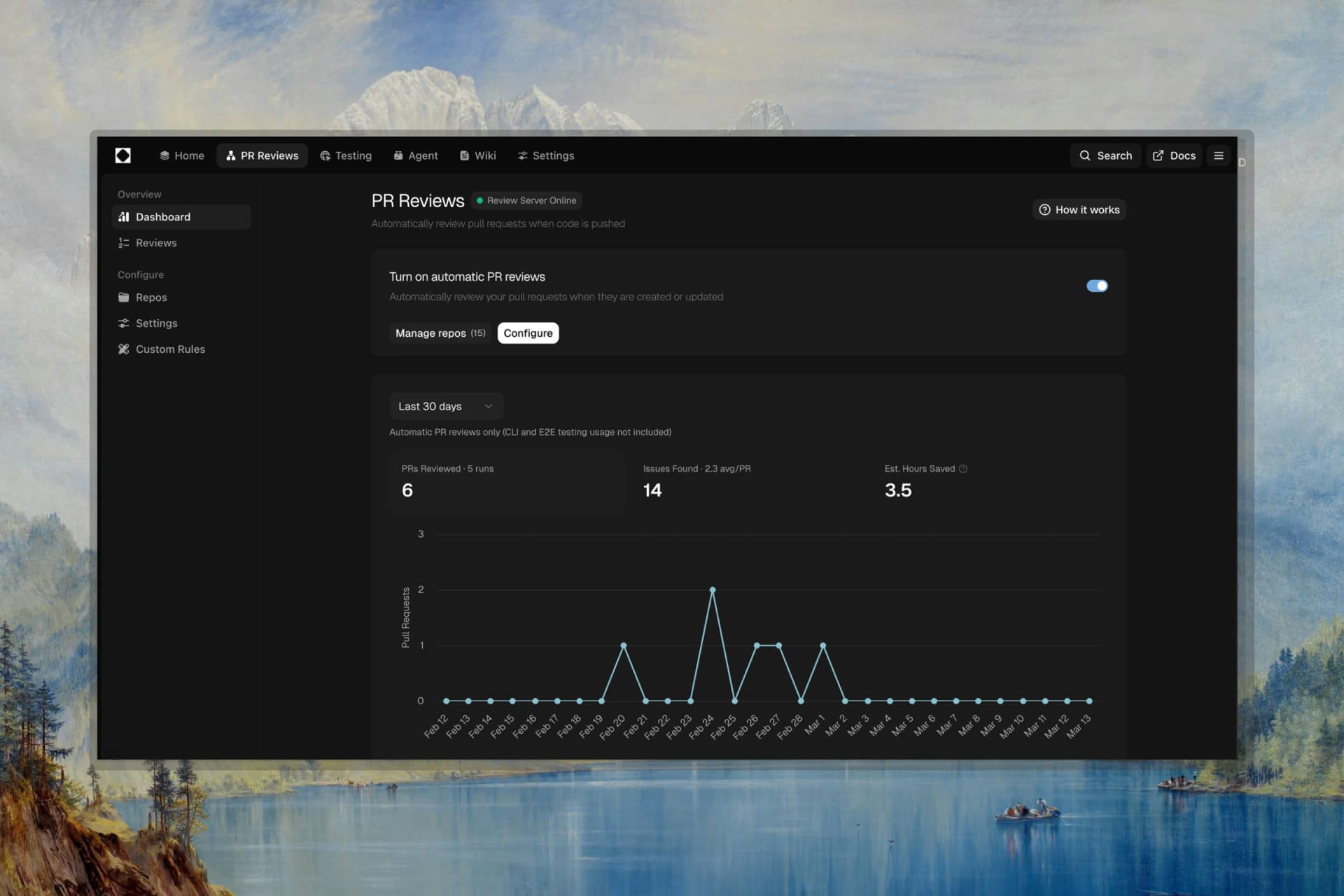
- PR Reviews: View all automatically reviewed pull requests and discovered issues
- Testing: Generate, run, and evolve tests for your repositories
- Agent: An agentic QA engine that finds bugs, writes tests, reviews code, and opens pull requests with fixes
- Settings: Configure your account, PR reviews, severity filters, custom rules, and integrations
Quick Start
- Install the Paragon CLI globally with npm
- Connect your GitHub account in Settings
- Enable automatic PR reviews and add repositories
- View reviewed PRs in PR Reviews
- Generate and manage tests in Testing
- Run the Agent to find bugs and open fix PRs
Installation & Setup
Get started with Paragon by installing the CLI and authenticating with your API key.
Step 1: Install CLI
npm i -g @polarityinc/paragonStep 2: Authenticate
paragon auth loginStep 3: Verify Installation
paragonAPI Key: Your API key is available in Settings. Keep it secure and do not share publicly.
Home
The Home page provides an overview of your account status and quick access to key features.
Credit Balance & Plan
Your credit balance and current plan are displayed at the top:
- Current credit balance with visual indicator
- Active plan name (Free, Developer, Startup)
- "Add Credits" button for paid plans
Statistics
Click "Show All Stats" to expand your usage statistics:
- Issues caught by severity (Critical, High, Medium, Low)
- Total tokens used
- Messages sent
- Estimated hours saved
Install Paragon CLI
Click the install button to open a modal with copy-paste commands for CLI setup.