
Overview
Automated test generation, execution, and evolution for your repositories.
Paragon Testing lets you generate, run, and evolve tests for your repositories. Import existing tests, generate new ones with Paragon, and let it automatically propose test updates when your code changes.
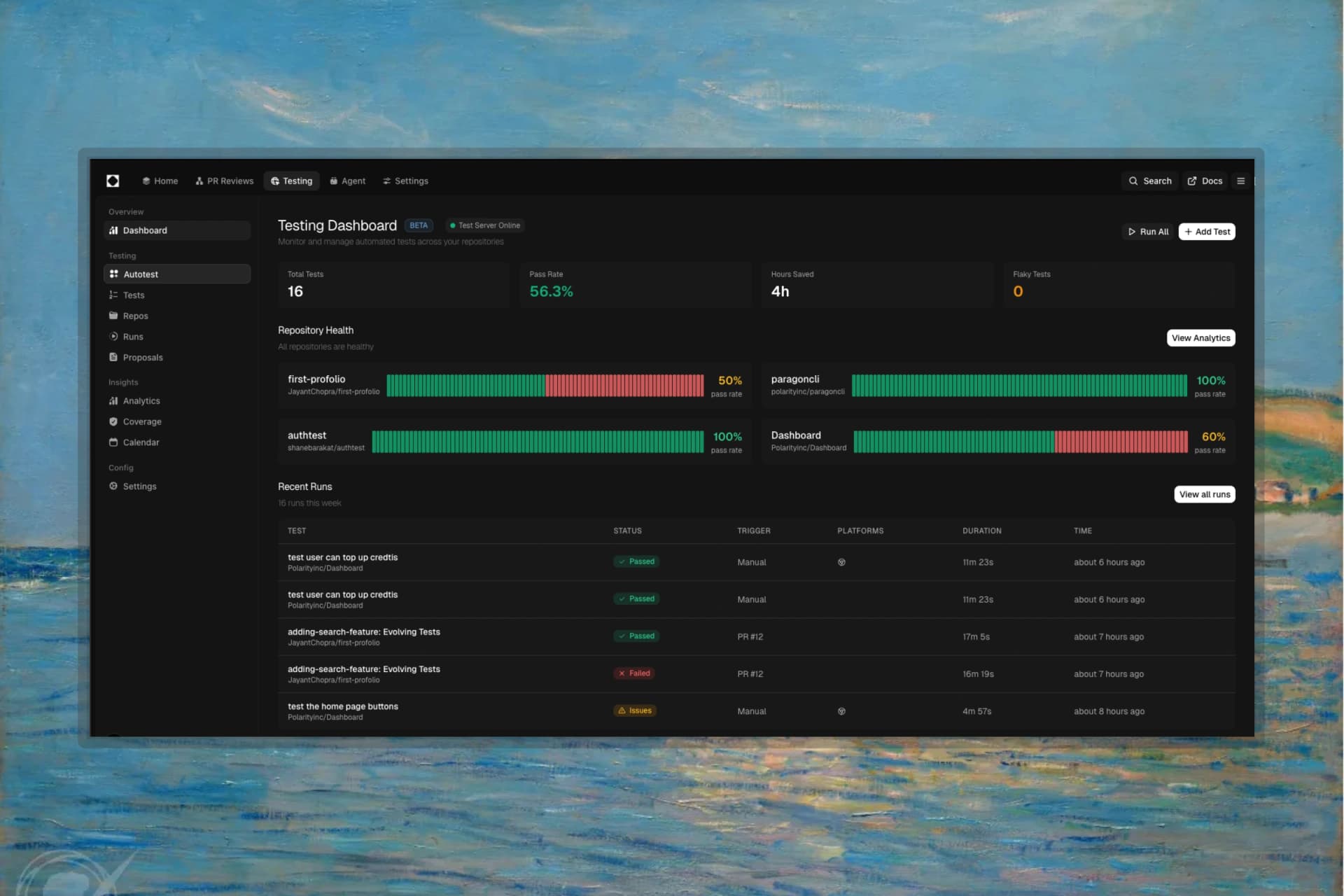
How It Works
- Add a repository — Connect a GitHub repository and configure test settings
- Import or generate tests — Import existing tests or generate new ones with Paragon
- Run tests — Execute manually, on schedule, or automatically on PR/push
- Evolve tests — Paragon proposes test updates when your code changes
Test Types
Autotest (E2E)
Autonomous agents that explore and test your live application in a real browser.
- Agentic Testing: Agents navigate your app, find bugs, and take screenshots
- No Test Files Needed: Describe what to test in plain English
- Multi-Platform: Chrome, Firefox, Safari, Mobile
Autotest runs against your production, staging, or local URL.
Performance Tests
Measure page load speed and Core Web Vitals.
- Metrics: LCP, FCP, CLS, TTFB
- Budgets: Set thresholds and get alerts when exceeded
- Conditions: Test under various network and CPU throttling
Key Features
| Feature | Description |
|---|---|
| Test Runner | Run code tests on PR/push, Autotest on prod URLs |
| Evolving Tests | Auto-propose test updates when code changes |
| Multi-Platform | Run Autotest across browsers and devices |
| Regression Detection | Automatically flag tests that start failing |
| GitHub Integration | Results on PRs, blocking status checks |