
Test Runner
Run tests manually, on PRs, on push, or on schedule.
Paragon runs tests in different ways depending on the test type. Code tests run on PRs and pushes, while E2E tests run against your deployed URLs.
How Tests Run
| Test Type | On PR | On Push | Manual | Scheduled |
|---|---|---|---|---|
| Code Tests (Unit/Integration) | Yes | Yes | Yes | Yes |
| E2E Tests (Step-Based) | No | Yes* | Yes | Yes |
| Performance Tests | No | Yes* | Yes | Yes |
*E2E and Performance tests only run on push if they have a deployed URL to test against.
Why can't E2E tests run on PRs? PRs don't have a deployed app yet. E2E tests need a running application to interact with. Use code tests for PR validation, and schedule E2E tests against staging/production.
Running Tests Manually
Run a Single Test
- Go to Testing > Tests
- Find your test
- Click the play button next to it
Run All Tests in a Suite
- Go to Testing > Tests
- Find the suite
- Click "Run All" on the suite header
Run All Tests in a Repository
- Go to Testing > Repos
- Find the repository
- Click "Run All Tests"
Running Tests on PRs
Code tests can run automatically when pull requests are opened or updated.
Enable PR Testing
- Go to Testing > Repos
- Click on your repository
- Enable "Run on PR" toggle
- (Optional) Configure per-suite triggers
What Triggers PR Tests
Tests run when:
- A new pull request is opened
- New commits are pushed to an existing PR
- A PR is reopened after being closed
GitHub Integration
When tests run on a PR:
Status Check:
PASS Paragon Tests — All 12 tests passed
or
FAIL Paragon Tests — 2 of 12 tests failed
Click "Details" to see:
- Which tests failed
- Error messages
- Link to full results
PR Comment (Optional):
## Test Results

10 passed
2 failed

### Failures
- calculateDiscount: Expected 80, got 100
- POST /api/users: Returned 500 instead of 201

[View full results →](https://home.polarity.cc/testing/runs/abc123)
Block Merges on Failure
Configure Paragon as a required status check:
- Go to your GitHub repo Settings > Branches > Branch protection rules
- Click Edit on the main/master protection rule
- Check Require status checks to pass before merging
- Search for Paragon Tests and select it
- Click Save changes
Open Access for External Contributors
By default, only org members can trigger test runs. Enable Open Access in repository settings to allow external contributors to run tests on their PRs.
Only enable Open Access for public repositories where you trust community contributions.
Running Tests on Push
Run tests when code is pushed or merged to your production branch.
Enable Push Testing
- Go to Testing > Repos
- Click on your repository
- Enable "Run on Push to Production" toggle
- Select your production branch (main, master, etc.)
What Triggers Push Tests
Tests run when:
- Code is pushed directly to the production branch
- A PR is merged into the production branch
Use Cases
- Verify merged code: Catch issues that slip through PRs
- Run E2E tests: E2E tests run after merge when there's a deployed app
- Run performance tests: Check performance after deployments
Scheduling Tests
Run tests automatically on a recurring schedule.
Create a Schedule
- Go to Testing > Calendar
- Click Add Schedule
- Choose tests, suites, or all tests
- Set frequency — daily, weekly, or custom (cron)
- Click Create Schedule
Frequency Options
| Option | Example |
|---|---|
| Daily | Every day at 2:00 AM |
| Weekly | Every Monday and Friday |
| Custom (Cron) | 0 */6 * * * (every 6 hours) |
Common Schedules
Daily at midnight:     0 0 * * *
Daily at 6 AM:         0 6 * * *
Every Monday 9 AM:     0 9 * * 1
Weekdays at 8 AM:      0 8 * * 1-5
Every 6 hours:         0 */6 * * *
Best Practices
| Test Type | Recommended Schedule |
|---|---|
| Smoke tests | Every 6 hours |
| Full suite | Daily (overnight) |
| Critical E2E flows | Every hour |
| Performance tests | Weekly |
Schedule tests during off-peak hours to avoid impacting staging environments.
Viewing Test Results
Test List
The test list shows status at a glance:
| Status | Meaning |
|---|---|
| Passed | All assertions succeeded |
| Failed | One or more assertions failed |
| Running | Test is currently executing |
| Not Run | Test hasn't been executed yet |
| Flaky | Passes sometimes, fails sometimes |
Run Details
Click on any test run to see:
Code Tests
PASS  calculateDiscount returns 0 for orders under $50
PASS  calculateDiscount returns 10% for $50-$100
FAIL  calculateDiscount returns 20% for over $100
  └─ Expected: 80, Received: 100
PASS  calculateDiscount throws for negative amounts
E2E Tests
PASS  Navigate to https://myapp.com/login     (1.2s)
PASS  Type "test@example.com" into #email     (0.3s)
PASS  Type "password123" into #password       (0.2s)
PASS  Click "Sign In" button                  (0.1s)
PASS  Wait for /dashboard URL                 (2.1s)
FAIL  Check "Welcome" text appears            (0.5s)
  └─ Error: Expected "Welcome" but found "Error: Invalid credentials"
Plus for E2E tests:
- Screenshots: Visual snapshots at each step
- Video recording: Full execution replay
- Console logs: Browser console output
- Network requests: API calls made
Test Run History
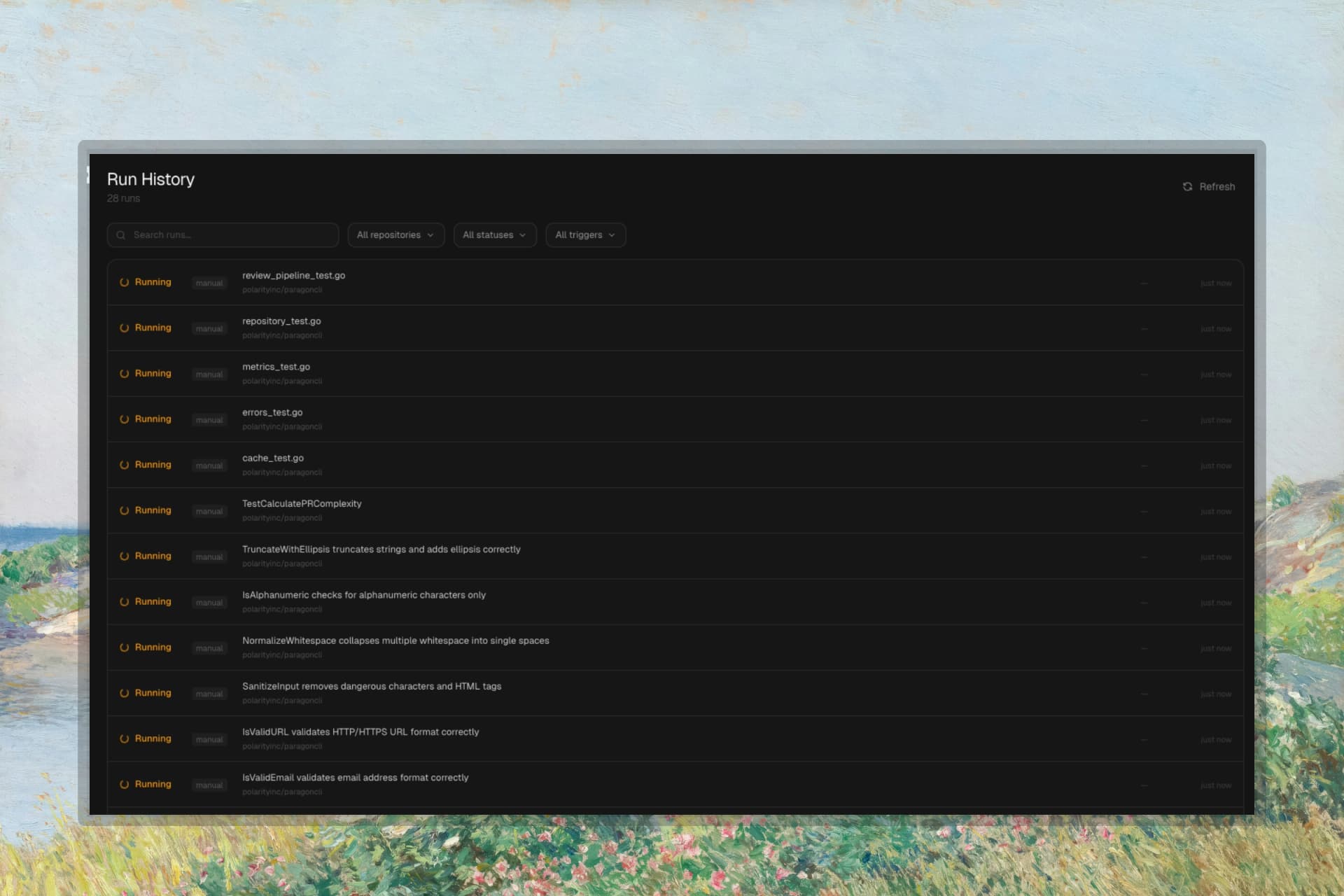
Go to Testing > Runs to see all past runs.
Filters:
- Status: Passed, Failed, Running
- Trigger: Manual, Scheduled, Pull Request, Push
- Repository: Filter by repo
- Search: Find by test name
Multi-Platform Results
E2E tests running on multiple platforms show grouped results:
Login Flow                    Chrome PASS  Firefox PASS  Safari FAIL
├─ Chrome   Passed  (4.2s)
├─ Firefox  Passed  (5.1s)
└─ Safari   Failed  (3.8s)
Regression Detection
Paragon automatically compares each run to previous runs. If a test that previously passed now fails, it's flagged as a regression.
This happens automatically—no configuration needed. Regressions appear highlighted in the runs list.
Notifications
Get notified when tests complete.
Configure Notifications
Go to Settings > Alerts:
| Notification | When |
|---|---|
| On Failure | Any test fails |
| On Flaky | A test is marked flaky |
| On Success | All tests pass |
| Suite Complete | All scheduled tests finish |
Notification Channels
- Email: Send to any email address
- Slack: Post via incoming webhook
- Discord: Post via webhook
- Microsoft Teams: Post via connector webhook
Next Steps
Evolving Tests
Auto-update tests when code changes